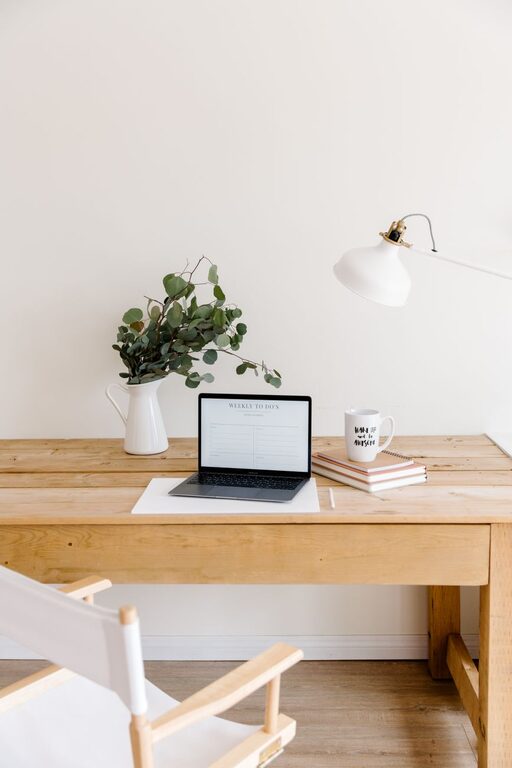
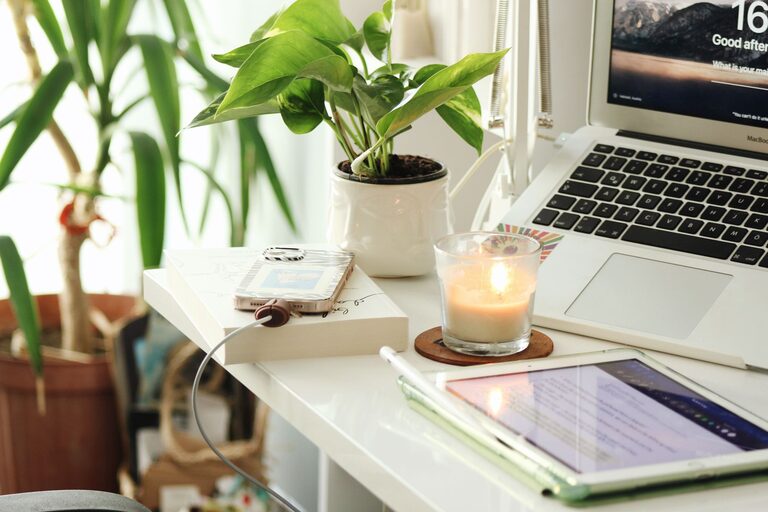
Creating a relaxing home workspace is more important than ever, especially as many people continue to work remotely or on flexible schedules. A comfortable and calm environment can significantly boost your productivity and reduce stress. Here are practical tips to help you design a workspace that supports both focus and relaxation.
1. Choose the Right Location
Selecting the right spot in your home is the first step toward a productive workspace. Ideally, pick a quiet area with minimal distractions where you can work comfortably.
– Natural light: Try to position your desk near a window to benefit from natural light. It improves mood and energy.
– Away from high-traffic areas: Avoid spaces where household activity is frequent to keep noise and interruptions to a minimum.
– Dedicated area: If possible, reserve a specific spot solely for your work to mentally separate work time from relaxation.
2. Invest in Comfortable Furniture
Ergonomic furniture plays a key role in maintaining comfort during long work sessions.
– Ergonomic chair: Choose a chair that supports your lower back and allows your feet to rest flat on the floor.
– Desk size: Ensure your desk has enough surface area for your computer, documents, and other work materials.
– Adjustable options: Adjustable desks or chairs let you change your posture during the day to reduce fatigue.
3. Keep Your Space Organized
A clutter-free environment helps reduce stress and improves concentration.
– Declutter regularly: Set aside a few minutes each day to tidy your workspace.
– Storage solutions: Use shelves, baskets, or drawers to keep supplies and documents out of sight.
– Minimalist approach: Keep only essential items on your desk to create a clean, focused workspace.
4. Choose Calming Colors and Decor
Colors affect mood and productivity, so select tones that foster relaxation without making you feel sleepy.
– Soft neutrals: Shades like beige, soft grey, or pastel blue can create a calm atmosphere.
– Greenery: Adding plants not only improves air quality but also brings a refreshing touch of nature.
– Personal touches: Include a few meaningful decorations like photos or art to make the space inviting.
5. Manage Lighting Effectively
Good lighting reduces eye strain and keeps you alert.
– Combine light sources: Use a mix of natural light and task lighting, such as a desk lamp with adjustable brightness.
– Avoid glare: Position screens and lamps to minimize reflections.
– Warm white bulbs: These provide a comfortable glow that reduces fatigue.
6. Limit Noise and Distractions
Noise can interrupt your workflow and raise stress levels.
– Noise-canceling headphones: These are helpful if you can’t control background noise.
– Soundproofing: Consider rugs, curtains, or wall hangings to absorb sound.
– White noise: A fan or a white noise machine can mask distractions and create a soothing environment.
7. Personalize Your Schedule and Breaks
A relaxing workspace isn’t just about the physical setup; how you use the space matters too.
– Set boundaries: Define work hours to separate your professional and personal life.
– Regular breaks: Take short breaks every hour to stretch, breathe, or walk around.
– Mindfulness: Incorporate quick mindfulness or breathing exercises to reset your focus.
8. Maintain Good Air Quality and Comfort
Fresh air and a comfortable temperature make working easier and more pleasant.
– Ventilation: Open windows when possible or use an air purifier.
– Temperature control: Adjust heating or cooling for a balanced environment.
– Hydration: Keep water nearby to stay hydrated throughout the day.
—
By thoughtfully designing your home workspace to be relaxing and functional, you set the stage for enhanced productivity and well-being. Incorporate these tips gradually to create a space that not only supports your work goals but also contributes to your overall comfort and happiness.